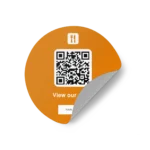
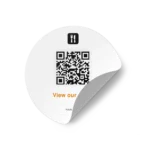
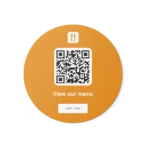
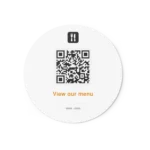
PDF Menu QR Code Sticker Round

(6 customer reviews)

From 16,17 

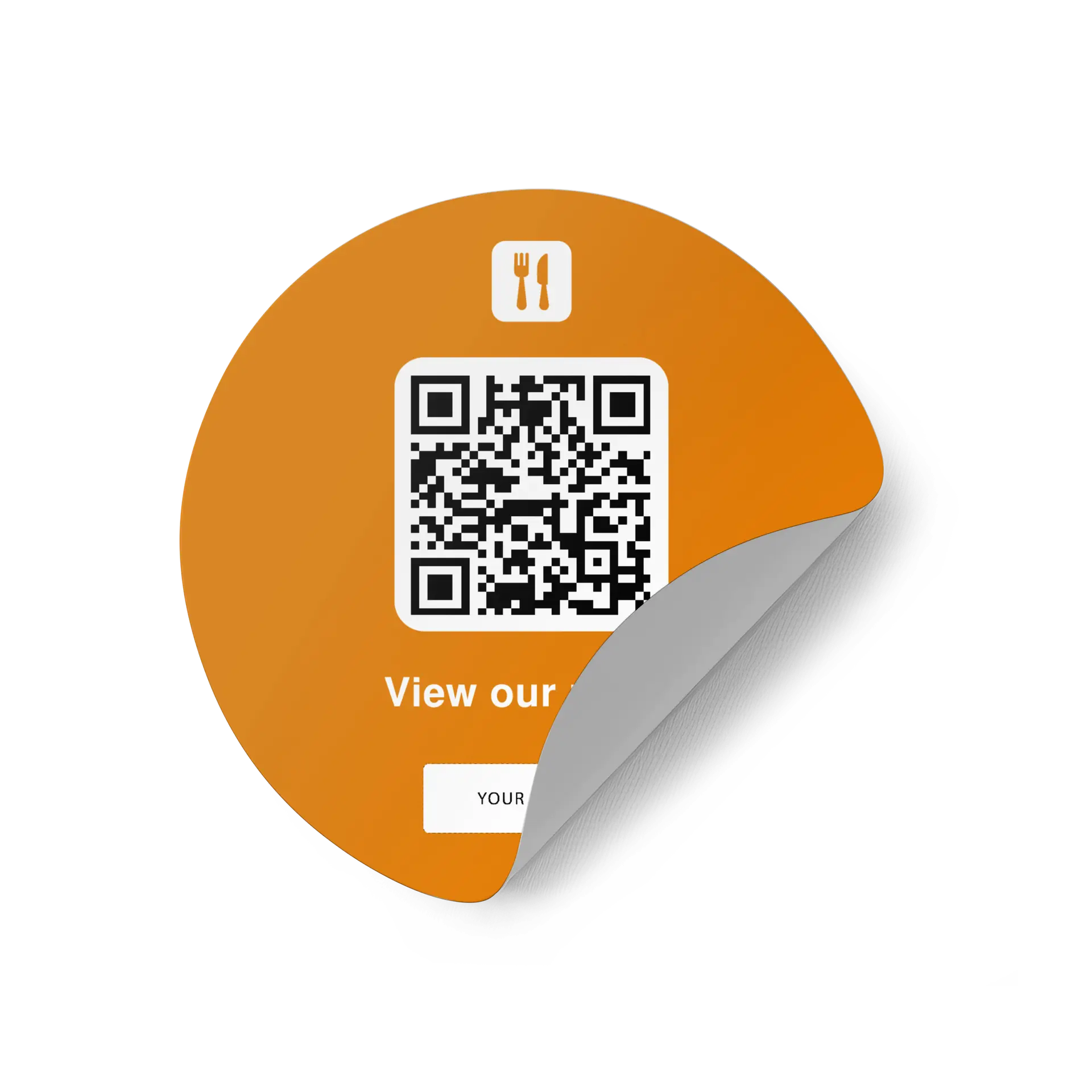
Let customers instantly access your PDF Menu using a professionally printed QR code sticker round. Perfect for increasing engagement directly at the point of interaction.

Available options are configured below as product variations.

Ready to customize Your QR product will be created before checkout.

Select your product options below. In the next step, you can add your logo, choose your colors, enter your QR destination and preview the final design before placing your order.

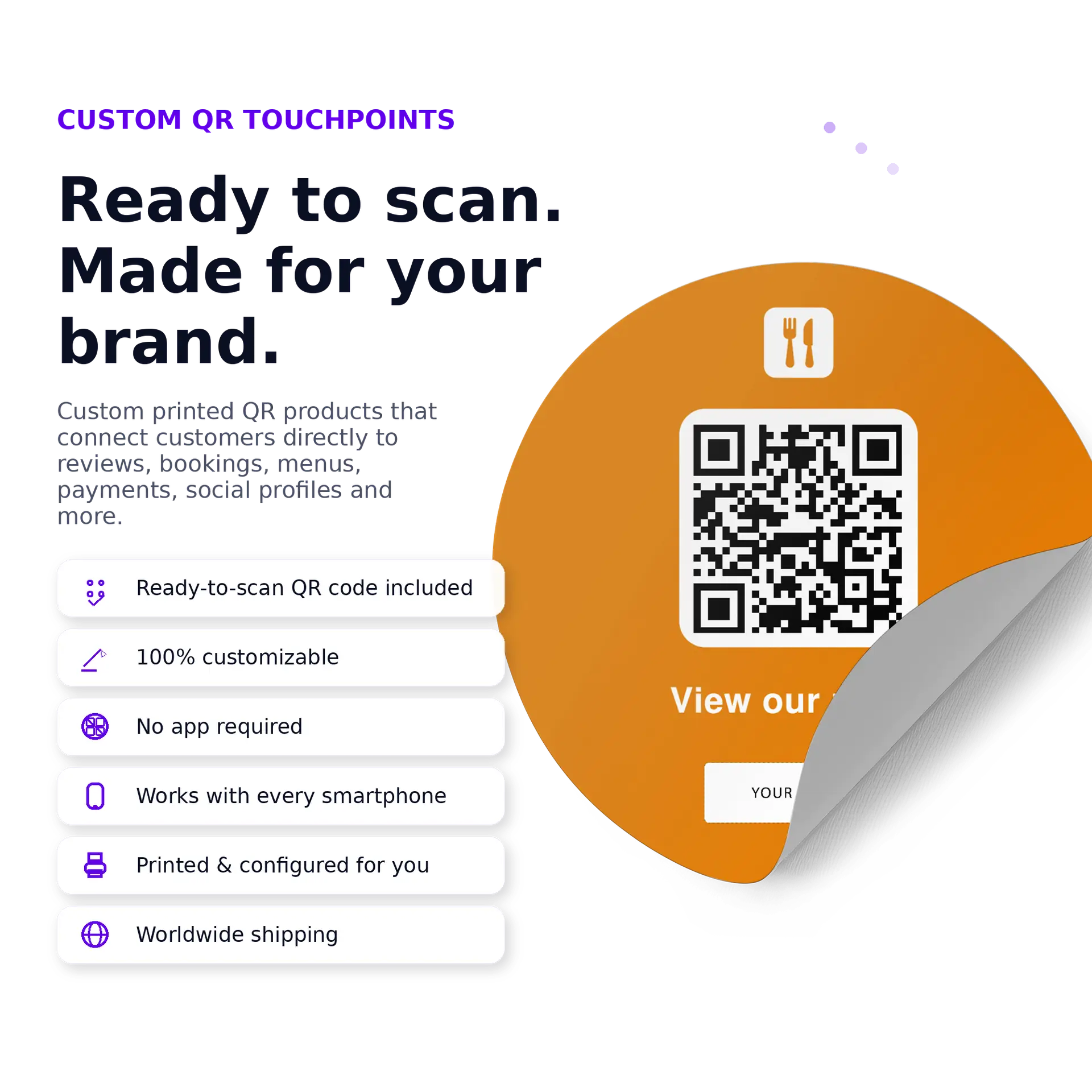
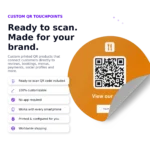
  No QR upload needed
  Add logo, colors & CTA
  Works with any smartphone
  Preview before ordering
  Printed ready to use
  Made for real business use
1. Select options 2. Customize design 3. Add QR destination 4. Preview & order
Worldwide shipping · Estimated delivery: 4–6 working days
Description

Description

Custom PDF Menu QR Stickers

Custom PDF Menu QR Stickers are printed, ready-to-scan QR touchpoints that help businesses guide guests directly to a PDF menu.

What it is

A PDF Menu QR Stickers is a physical product with a scannable QR code and a clear call-to-action. When scanned, it sends people directly to your PDF menu so they can open your PDF menu with less friction.

Why it works

Guests want quick access to menus and ordering options. A printed menu or order QR touchpoint reduces waiting, avoids manual searching and gives people a clear action exactly where they need it.

Who it is for

This product is a strong fit for restaurants, cafés, bars, hotels, catering providers and hospitality businesses using PDF menus.

Format and product details

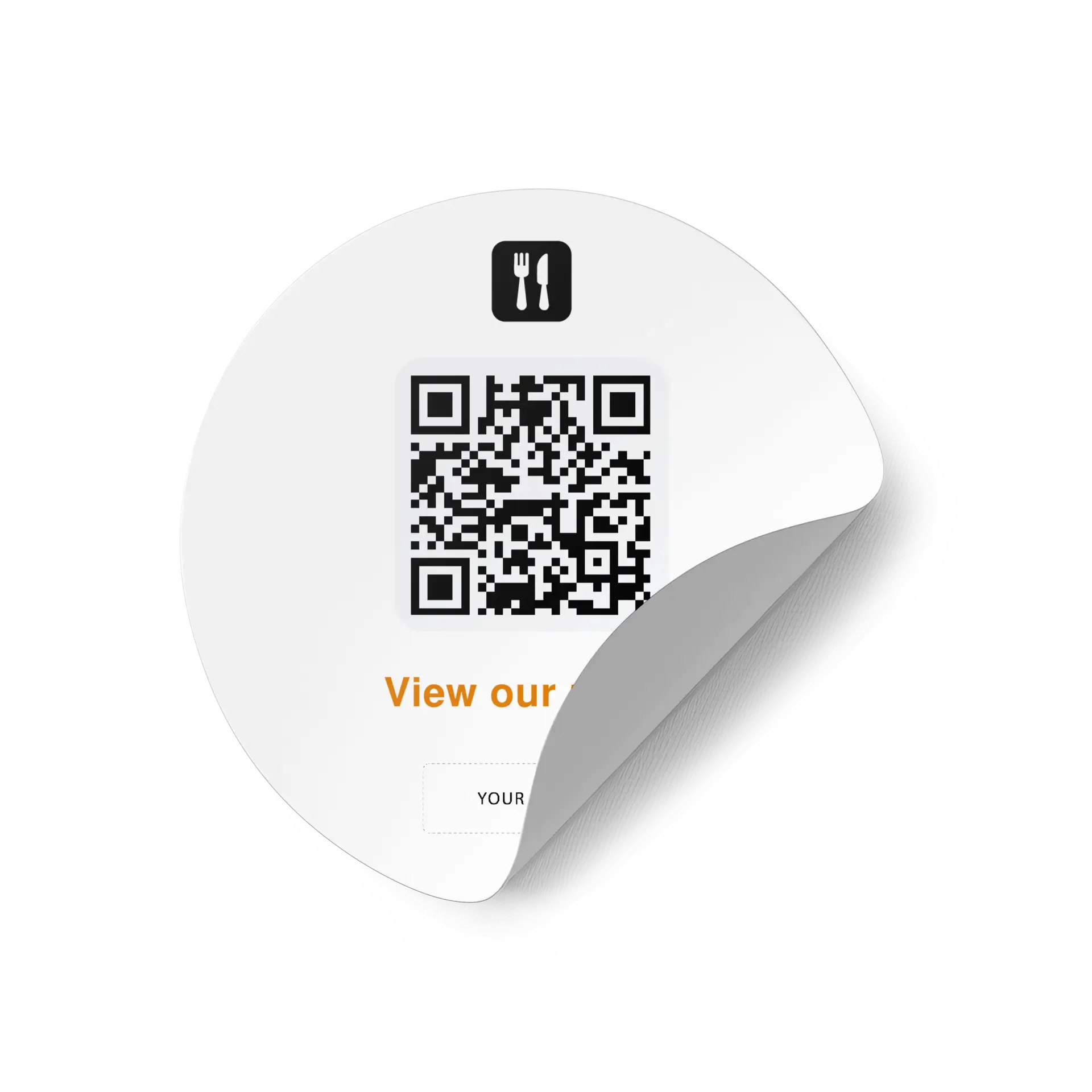
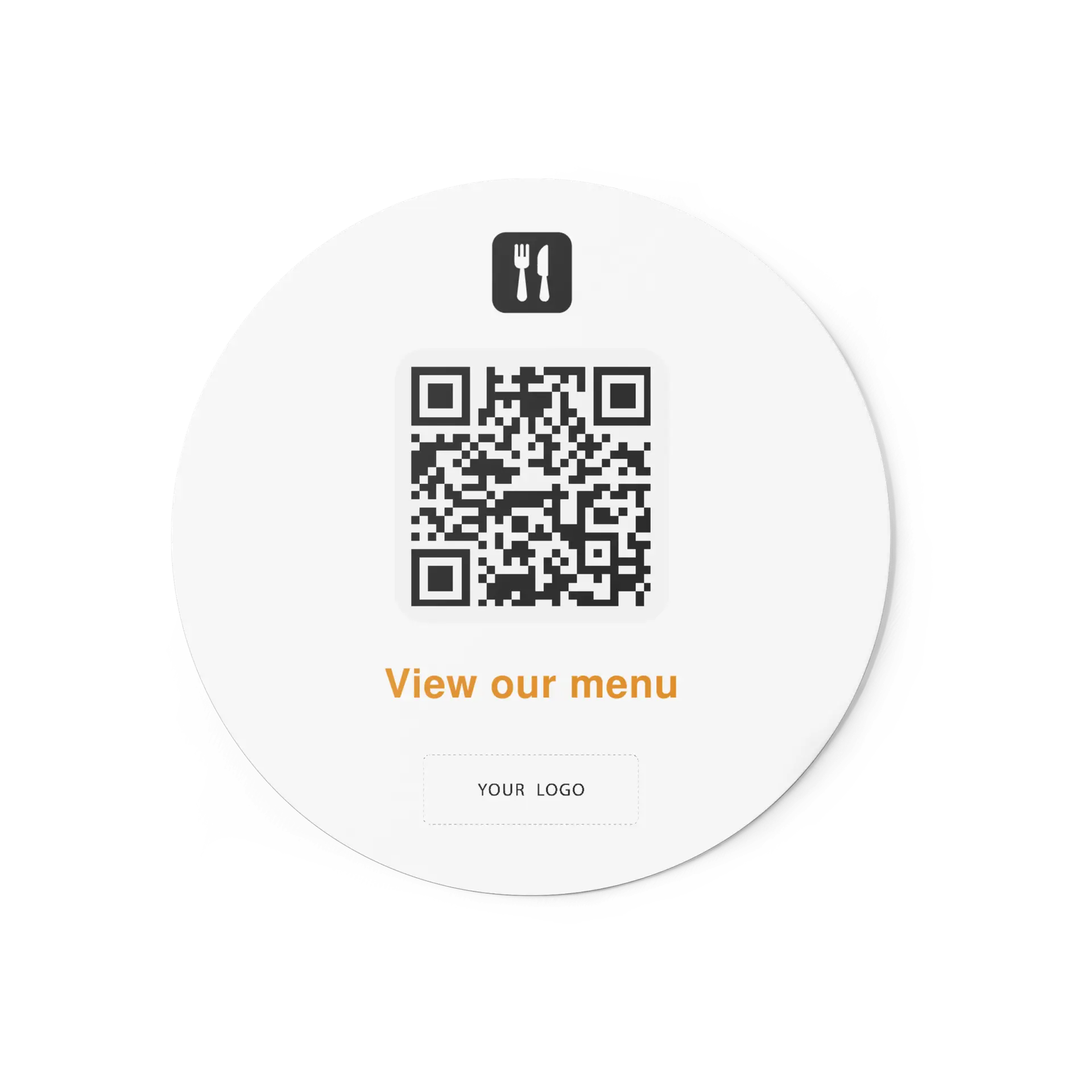
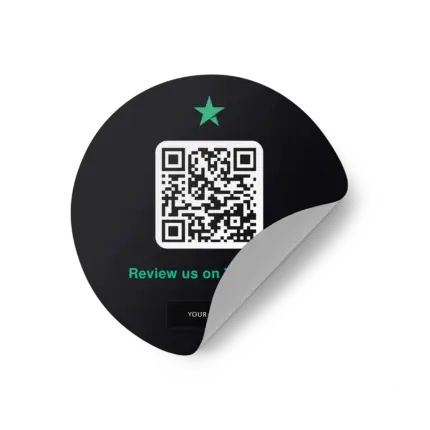
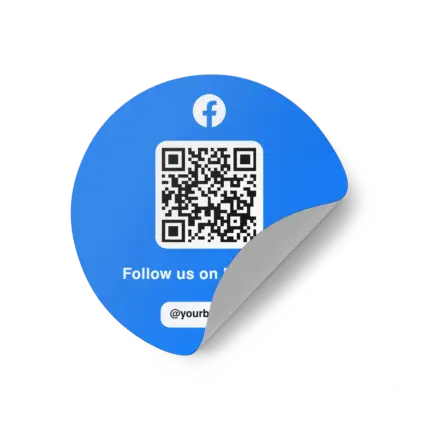
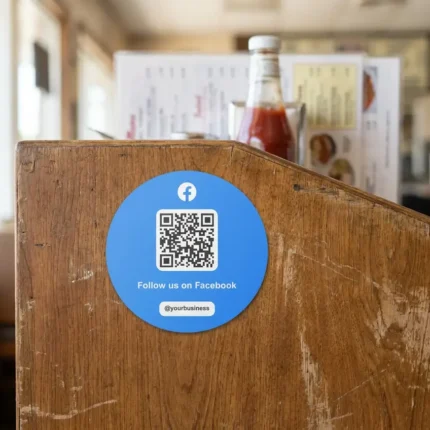
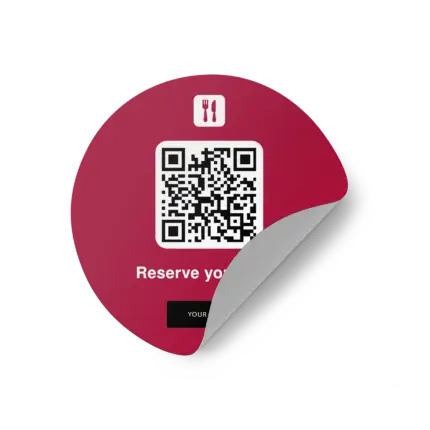
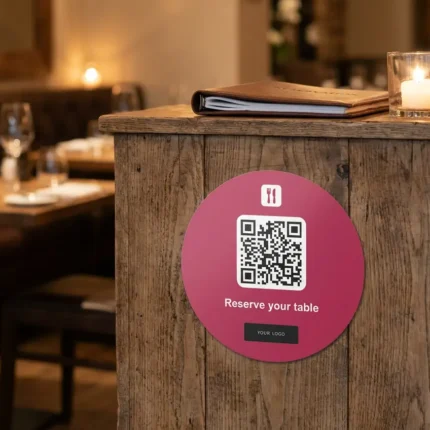
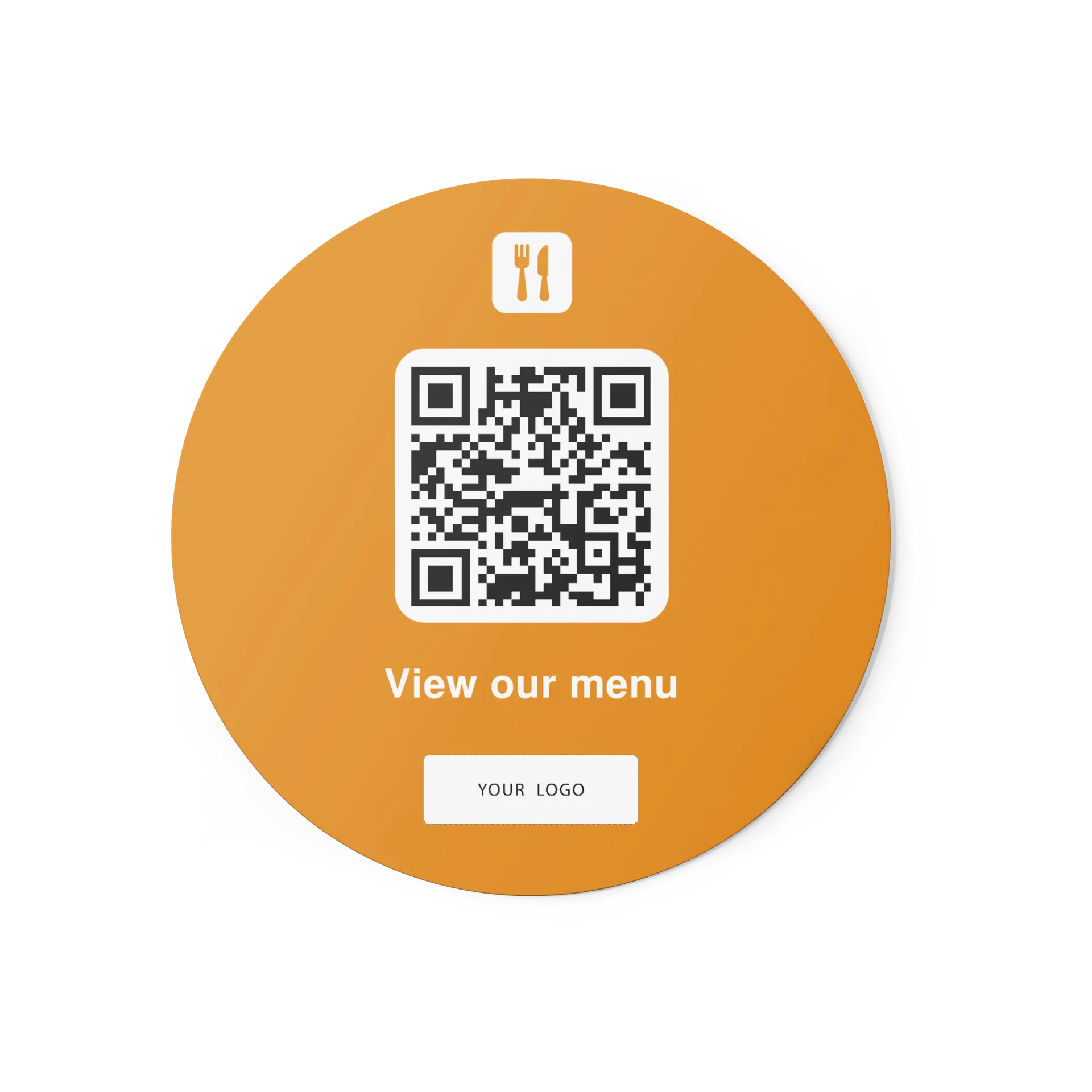
Available as round QR stickers or rounded-square QR stickers with soft corners. The sticker format is ideal for fixed placements where customers naturally pause, look or interact.

How customers use it

  • Your guests see or receive the printed product.
  • They scan the QR code with their smartphone camera.
  • The PDF menu opens directly.
  • They can open your PDF menu without searching manually.

More than just a QR code

Each product includes a clear printed call-to-action that tells people what to do next. Instead of showing a plain QR code without context, your design actively invites them to scan — for example: “Scan to view menu”.

Free design customization included

Your QR product can be customized to match your business. Design customization is included at no extra cost and can include your CTA text, colors, layout adjustments and logo placement. Your own logo can be added for free, and any language is possible.

No monthly subscription required

This is a printed QR product, not a monthly software subscription. You pay for the physical product, receive it printed and configured for your business, and can start using it right away. No app is required for your customers, and no monthly subscription is required for the printed QR product.

Use the same design across multiple QR products

Your selected design can also be applied to matching QR Business Cards, QR Stickers, QR Flyers or QR Table Tents. This lets you create one consistent branded QR system across handouts, tables, counters, packaging, windows and reception areas.

What is included

  • Printed QR Stickers
  • Pdf menu qr code automatically generated for you
  • QR destination configured for your business
  • Clear printed call-to-action
  • Free design customization
  • Your own logo added for free
  • Any language possible
  • Worldwide shipping
  • Ready-to-scan physical QR touchpoint

Best placements and use cases

  • Giving guests instant access to menus or ordering pages
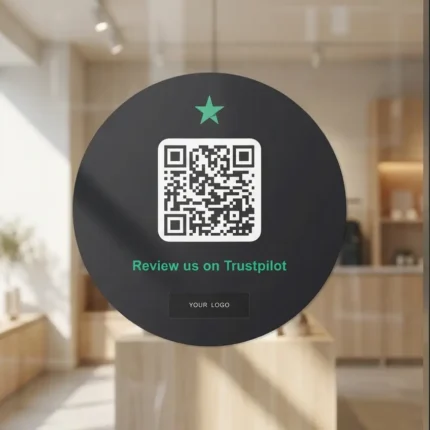
  • Doors and windows
  • Counters and POS areas
  • Product packaging
  • Takeaway bags
  • Mirrors and salon stations
  • Reception desks and waiting areas
Additional information

Additional information

WeightN/A
Dimensions9,5 × 9,5 × 0,04 cm
ChannelPDF Menu
Product TypeSticker Round
ShapeRound, Square
Quantity10, 25, 50
Reviews (6)

6 reviews for PDF Menu QR Code Sticker Round

  1. Sophie Turner

    We wanted something simple that customers understand immediately. This does the job well. The PDF Menu version matched what we needed.

  2. Julien Petit

    Belle finition, QR code net et format pratique. C’est bien mieux qu’une impression maison. La version pour PDF Menu correspondait à notre besoin.

  3. Grace Mitchell

    Good quality and clean design. We use it daily and it fits the look of our business.

  4. Antoine Moreau

    Bonne qualité et design propre. Nous l’utilisons tous les jours et il correspond bien à notre image. La version pour PDF Menu correspondait à notre besoin.

  5. Carlos Fernández

    Se ve suficientemente premium para recepción y el escaneo funciona como esperábamos.

  6. Camila Torres

    Buen acabado, QR nítido y tamaño práctico. Se ve mucho mejor que imprimirlo nosotros.

Add a review

Your email address will not be published. Required fields are marked *

About brand
PDF Menu QR Code Products
FAQ

What are Custom PDF Menu QR Stickers?

They are printed QR products with a scannable code that sends guests directly to your PDF menu.

Is the QR code generated for me?

Yes. The PDF menu QR code is automatically generated and configured for your business.

Do customers need an app?

No. Customers can scan the QR code with the camera on any modern smartphone. No app is required.

Can I customize the design?

Yes. Free design customization is included, including CTA text, colors, layout adjustments and logo placement. Your own logo can be added for free.

Can the product be created in another language?

Yes. Any language is possible, which makes the product useful for international businesses, tourist locations and multilingual customer groups.

Is there a monthly subscription?

No monthly subscription is required for the printed QR product. You pay for the physical product, receive it printed and configured, and can start using it right away.

Can I use the same design on other Wunderscan products?

Yes. Your selected design can also be applied to matching QR Business Cards, QR Stickers, QR Flyers or QR Table Tents.

SKU: WC-PDF-Sti-000 Categories: , Brand: